
This post contains affiliate links. If you purchase through these links AuditSentry may earn a small commission at no extra cost to you.
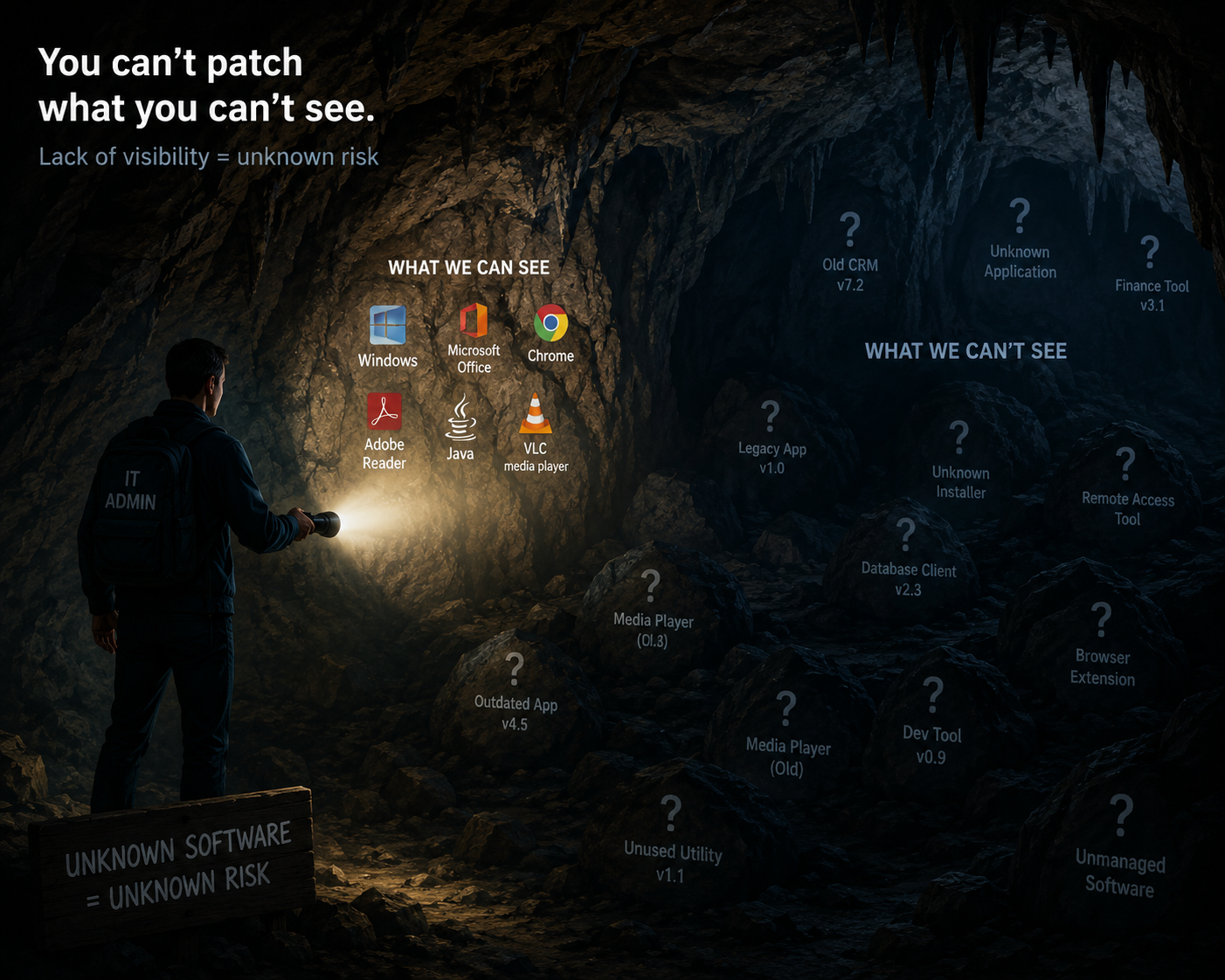
The challenge with patching in small WA government agencies comes down to two things. First, most agencies don’t have a clear picture of what they actually have — if you don’t know what’s running in your environment, you can’t know what needs patching. Second, even when agencies do have visibility, they often don’t have the resources to independently patch every operating system, every application, and every piece of firmware across their environment.
Visibility is the foundation. Without it, everything else is guesswork.
Why patching matters more than you think
Patching isn’t glamorous. It doesn’t feel like security work — it feels like maintenance. But unpatched software is the most commonly exploited attack vector in cyber incidents, and it’s the one agencies have the most direct control over.
When attackers identify a vulnerability in a piece of software, they move fast. Exploit code is often publicly available within hours of a vendor releasing a patch. Every day an unpatched system sits in your environment is a day an attacker can use a known, documented vulnerability to get in.
The WA Cyber Security Policy is explicit about patching timeframes. Extreme risk vulnerabilities must be patched within 48 hours. Other vulnerabilities within two weeks. For agencies without a formal patch management process, those timeframes are nearly impossible to meet.
The visibility problem
Most small agencies are surprised by what’s actually running in their environment when they do a proper audit. Shadow IT — software installed by staff without formal approval — is common. Legacy applications that haven’t been updated in years are common. Devices that fell out of the patch management process during a system migration are common.
You cannot patch what you cannot see. Before you can address your patching posture, you need a complete and accurate picture of every device and every application in your environment. That means an asset register — a simple, maintained list of what you have, what version it’s running, and when it was last patched.
If you don’t have one, that’s where you start.
The resource problem
Even with visibility, patching every system manually is not realistic for a small team. The answer is automation. Modern patch management tools — many of which are already included in Microsoft 365 or available through your existing endpoint management solution — can identify missing patches and deploy them automatically across your entire environment.
If you’re looking for dedicated endpoint protection and patch management, Bitdefender and Trend Micro both offer solutions suited to small organisations without large IT teams.
The investment in setting up automated patching pays for itself the first time it closes a critical vulnerability before an attacker can exploit it.
Where to start
If your agency is behind on patching, the priority order is straightforward. Internet-facing systems first — anything your staff access from outside the office or that’s directly connected to the internet. Then workstations. Then servers. Then everything else.
You don’t need to solve the whole problem at once. Start with visibility, automate what you can, and work through the priority list methodically.
Recommended Security Tools
Bitdefender — Endpoint protection and patch management for small organisations.
Trend Micro — Comprehensive security solutions including vulnerability and patch management.
Not sure where your agency currently stands on patching? AuditSentry’s free Essential 8 assessment gives you a baseline in plain English — no technical team required. And if you’re ready for a full maturity assessment with a downloadable report your leadership team can actually use, the Essential 8 Business Assessment is now available at auditsentry.com.au.
Sign up to be notified when our Privacy Assessment goes live.